
Third-parties
Run non-Anthropic models through the same claude interface.
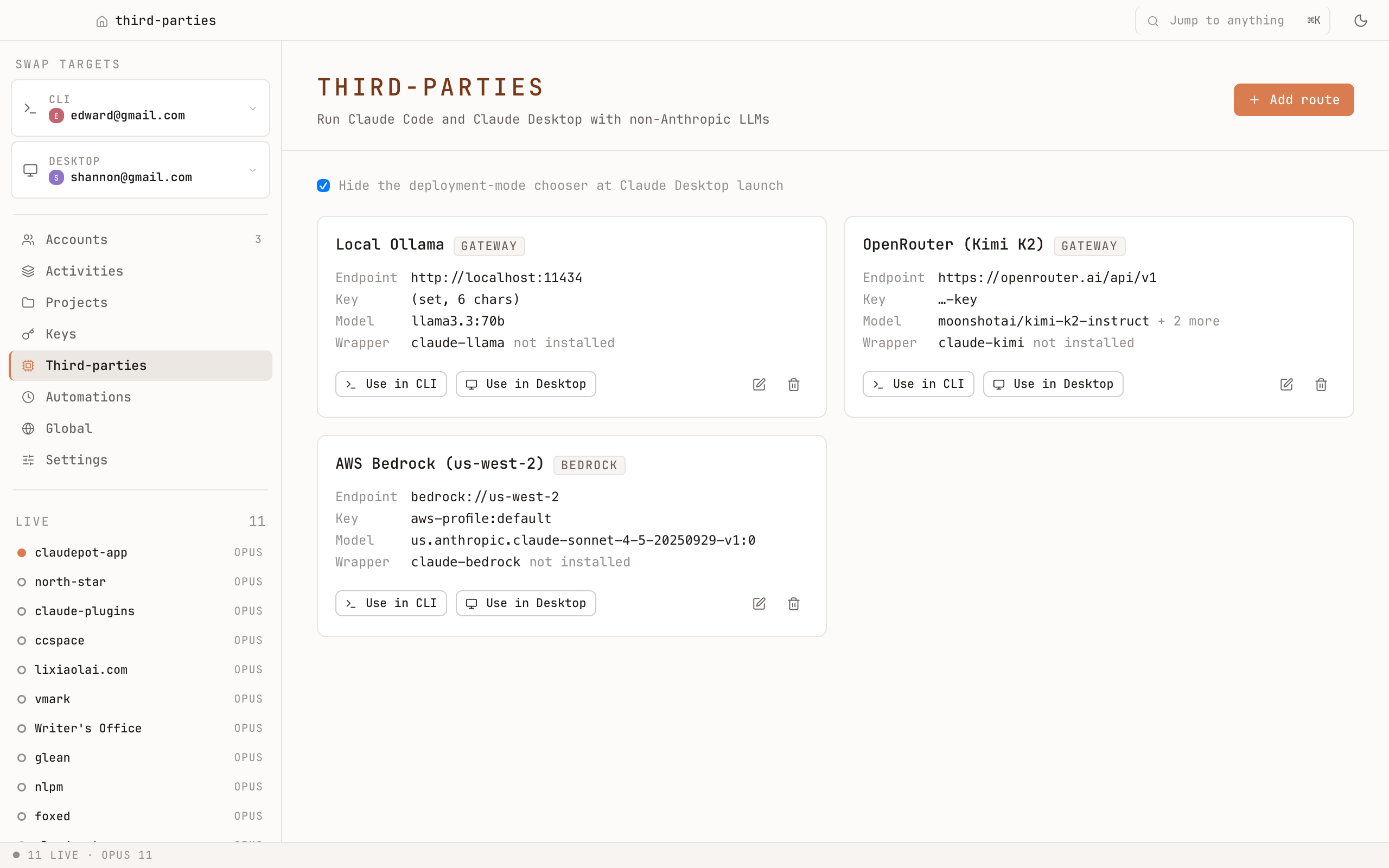
What it does
Each third-party route installs as:
- A wrapper binary on your
PATH— typed like a regular CLI command. You point it at any model the route supports. - A separate Desktop profile — your real Claude Desktop install is never touched.
That means you can keep using claude exactly as before for first-party Claude, and add commands like (your aliases — you pick the names) for OpenAI, Google, OpenRouter, or any other route the underlying tool supports.
Why a separate Desktop profile
Mixing third-party models into your real Claude Desktop install would risk tangling histories and permissions. Claudepot creates a clean profile per route, so the third-party flow stays isolated.
Adding a route
Pick the upstream provider, paste your key, name the wrapper. Claudepot installs the binary, registers the Desktop profile, and updates the keys inventory. Removing a route uninstalls the binary and removes the profile.
Privacy
First-party Claude is never modified. The wrapper talks to whichever provider you pointed it at — Claudepot doesn't proxy your traffic and doesn't see your prompts.