
Automations
Schedule a claude -p prompt on a cron expression — or run on demand.
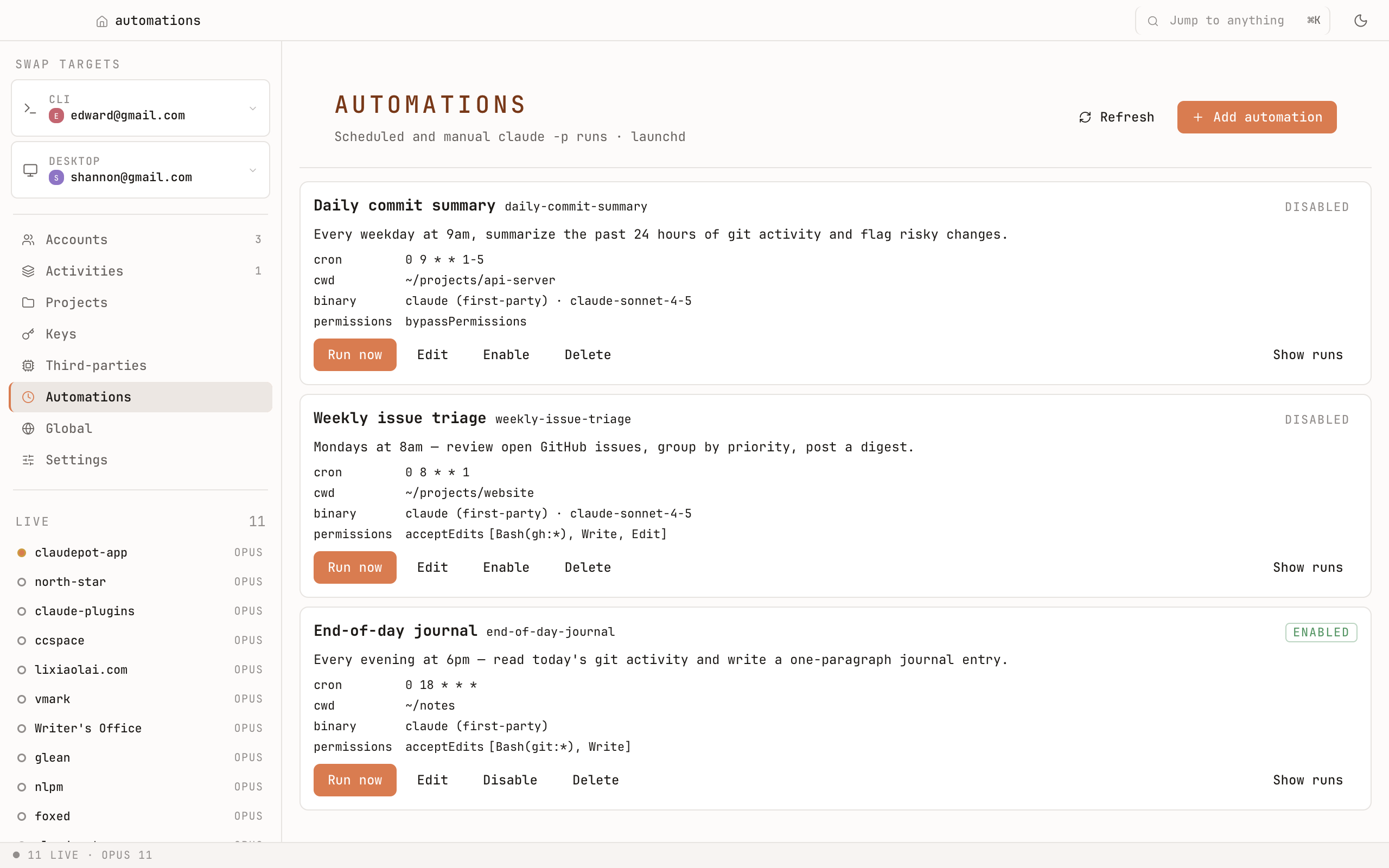
What you can schedule
Anything you'd type after claude -p:
- A daily brief (
every weekday at 8am, summarize my open PRs). - A weekly report (
every Monday at 9am, list this week's commits across these repos). - An on-demand recipe you want one click away (a prompt + working directory + account).
Cron, but human
Pick from common presets (every hour, every weekday at 8am, every Monday morning) — or paste a raw cron expression if you need something exact.
What you get back
Each run lands in a history pane with:
- The full stdout.
- Stderr if anything went wrong.
- The exit code.
- Wall time.
You can open any past run, copy its output, or rerun it on demand.
How it runs
Claudepot wires the schedule into your OS scheduler — launchd on macOS, Task Scheduler on Windows, systemd-user timers on Linux. You don't write any plist, XML, or .timer file by hand. Disable a job and the OS-level entry is removed too.